⚡Self Enrolment
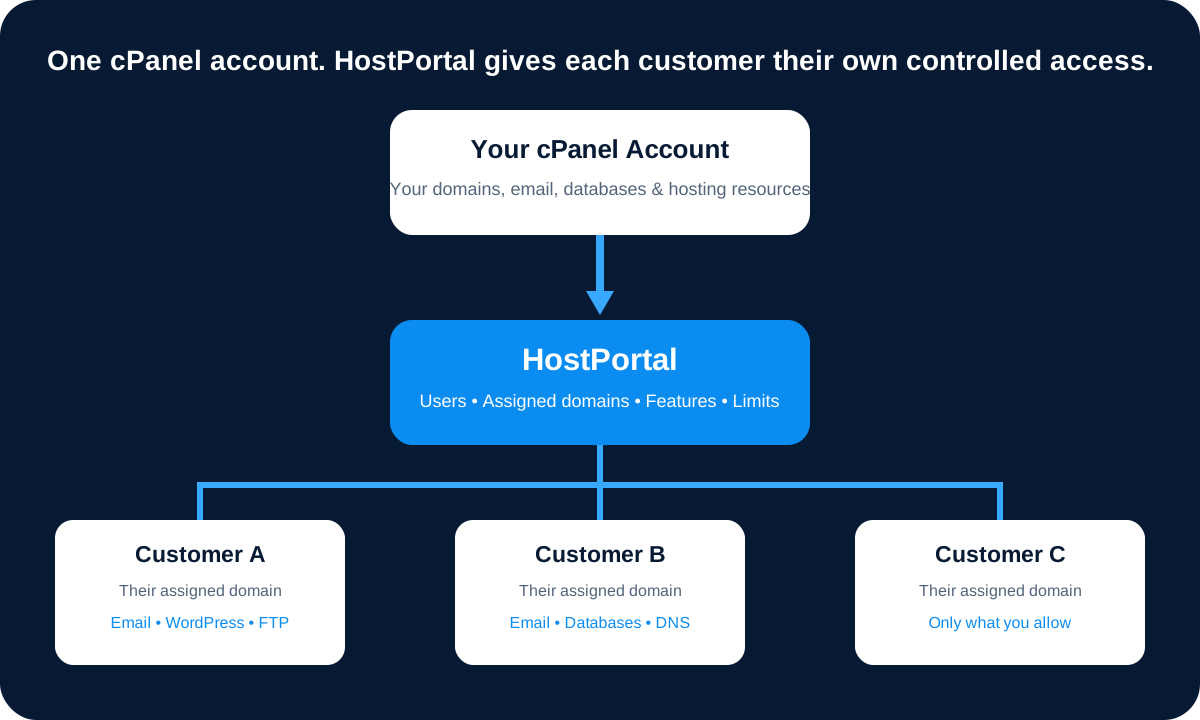
Existing customers can self-enrol. HostPortal can verify a hosted mailbox or locate their domain on the connected cPanel account when email is hosted elsewhere.
✉Email Accounts
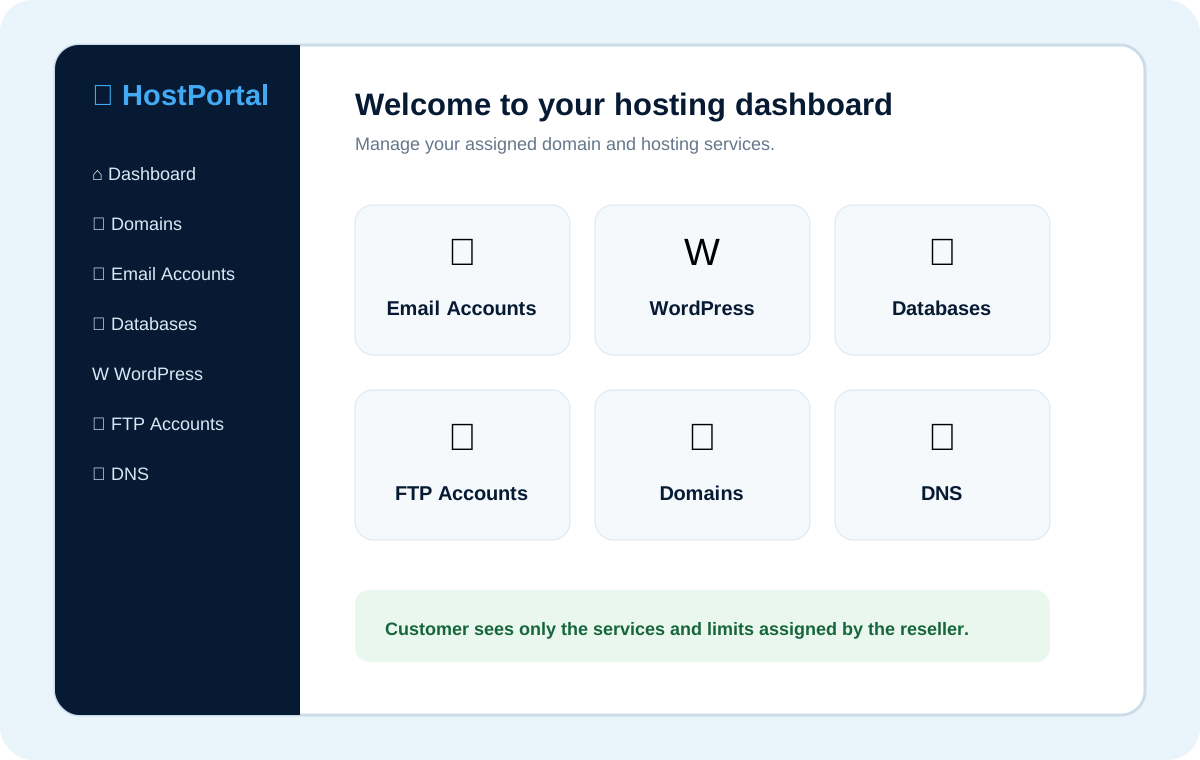
Create and delete mailboxes, change passwords and quotas, and show mail-client connection settings.
↪Forwarders & Autoresponders
Create and remove email forwarders and configure, enable or disable autoresponders from the customer dashboard.
WWordPress Manager
Detect and install WordPress, open and manage sites, manage plugins, clone sites, and create, upload, download and restore site backups.
▣Databases & phpMyAdmin
Create databases and database users, grant or revoke database access, change database-user passwords and open the integrated phpMyAdmin workflow.
⇅FTP Accounts
Create and manage FTP accounts and passwords while enforcing the FTP limit configured for the customer domain.
◎Subdomains
Create and remove subdomains for the assigned domain within the limit set by the Owner.
◉DNS Tools
Manage supported DNS records and use DNS backup, download, import and restore tools.
⛔Email Restrictions
Manage supported incoming and outgoing email restrictions where the server and feature configuration allow it.
↗AWStats
Give customers access to website traffic statistics through HostPortal without exposing the main cPanel interface.
⚙Domain Limits
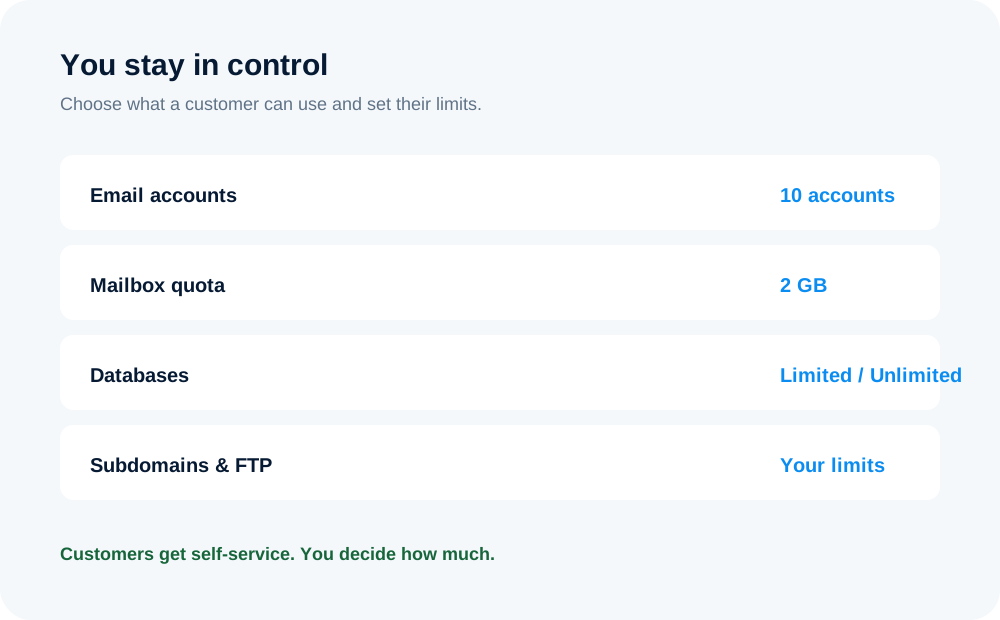
Use default limits for new domains and individual overrides for email accounts, quota, forwarders, databases, subdomains and FTP accounts.
❤Health Check
Check website and SSL health, inspect DNS records, diagnose email routing, SPF, DKIM and DMARC, and review configured subdomains from one place.